All Guides

  • All Posts
  • All Guides
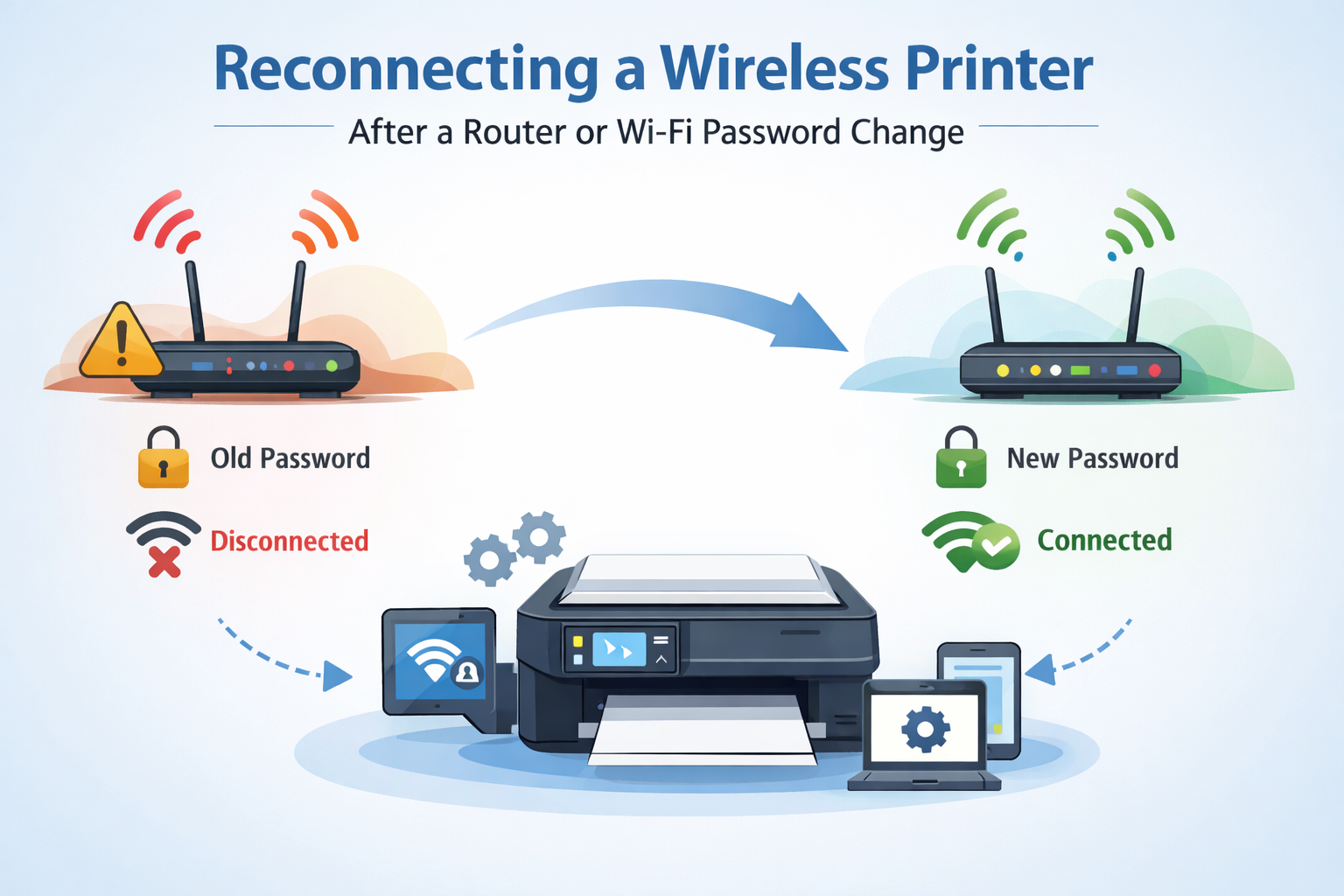
Wireless Printer Connection After Wi-Fi or Router Updates

January 23, 2026/

(General Educational Guide) Changes in a Wi-Fi network—like replacing a router or updating the password—can interrupt communication between connected devices. Wireless printers often pause activity until they recognize the new network details. This article explains the general idea behind how printers connect to Wi-Fi and what usually needs attention after...
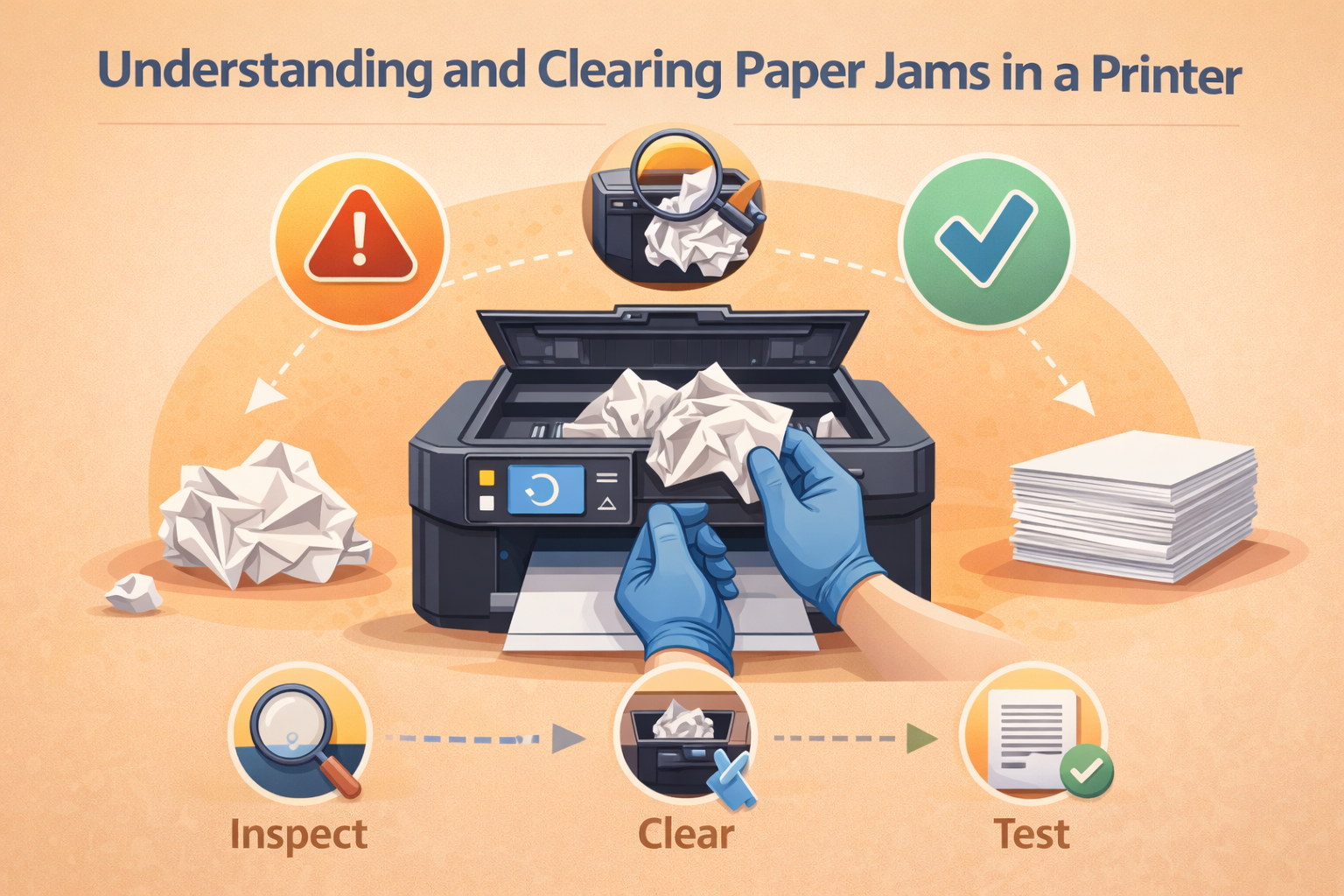
Understanding and Clearing Paper Jams in a Printer

January 23, 2026/

(General Educational Guide) During regular printing, it is quite common for paper movement to pause if sheets do not pass through the device properly. When this happens, the printing process stops until the obstruction is removed. In most cases, this situation is linked to paper handling conditions rather than any...

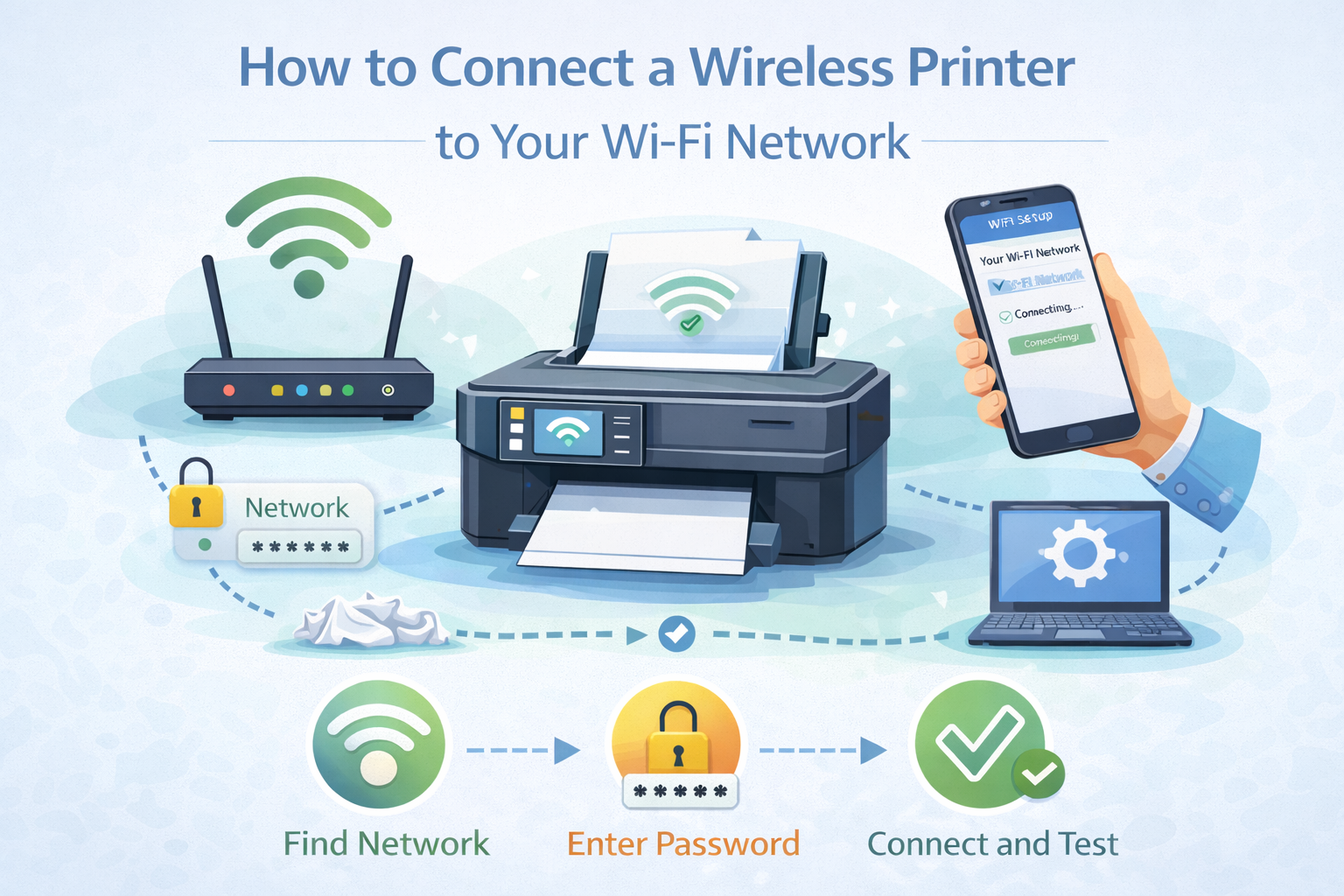
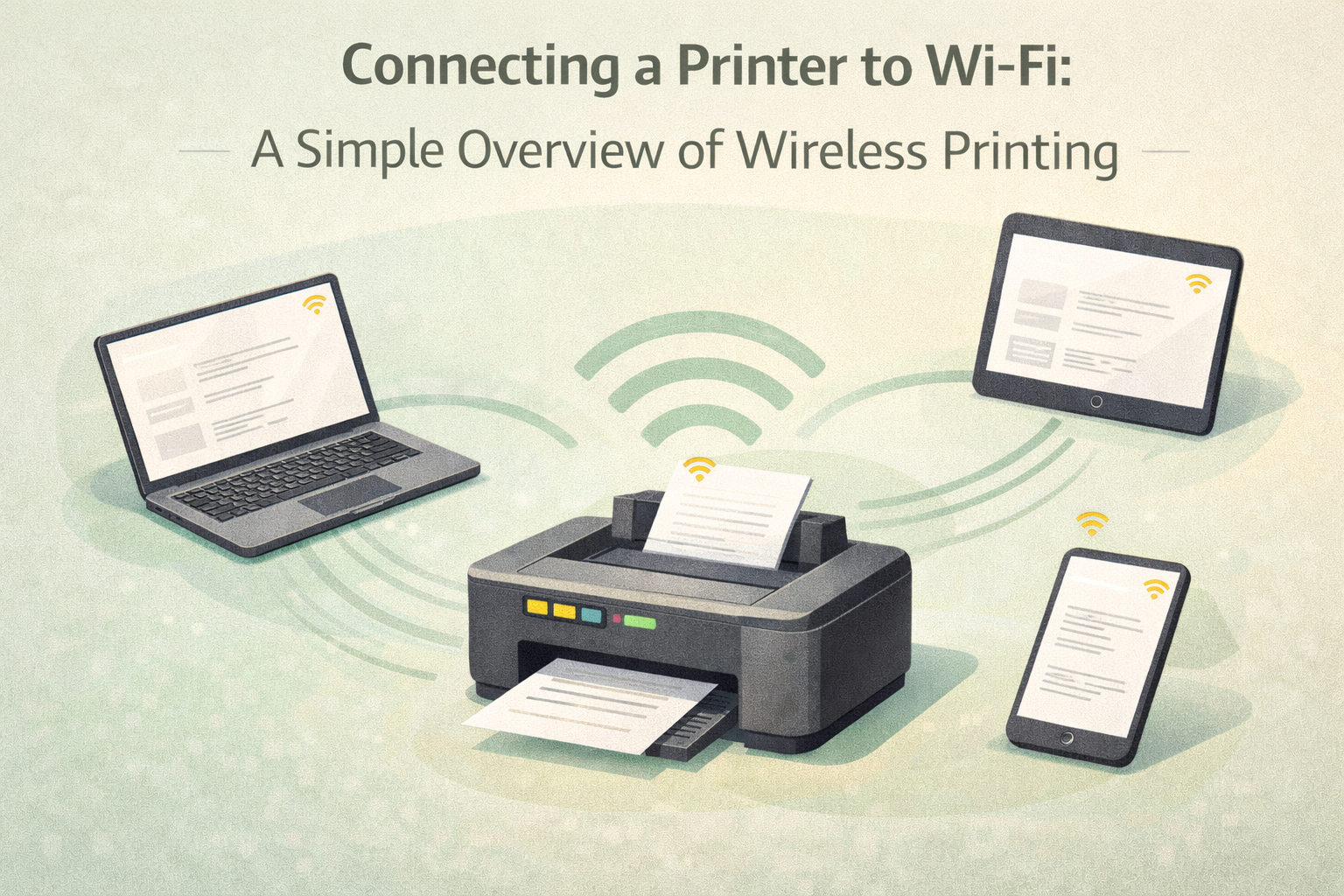
How to Connect a Wireless Printer to Your Wi-Fi Network

January 23, 2026/

(General Educational Guide) Wireless printing makes it possible to send documents through a shared network instead of using physical cables. Once a printer joins a Wi-Fi network, it can communicate with other devices connected to the same environment. This page explains the general concept of wireless printing and outlines the...

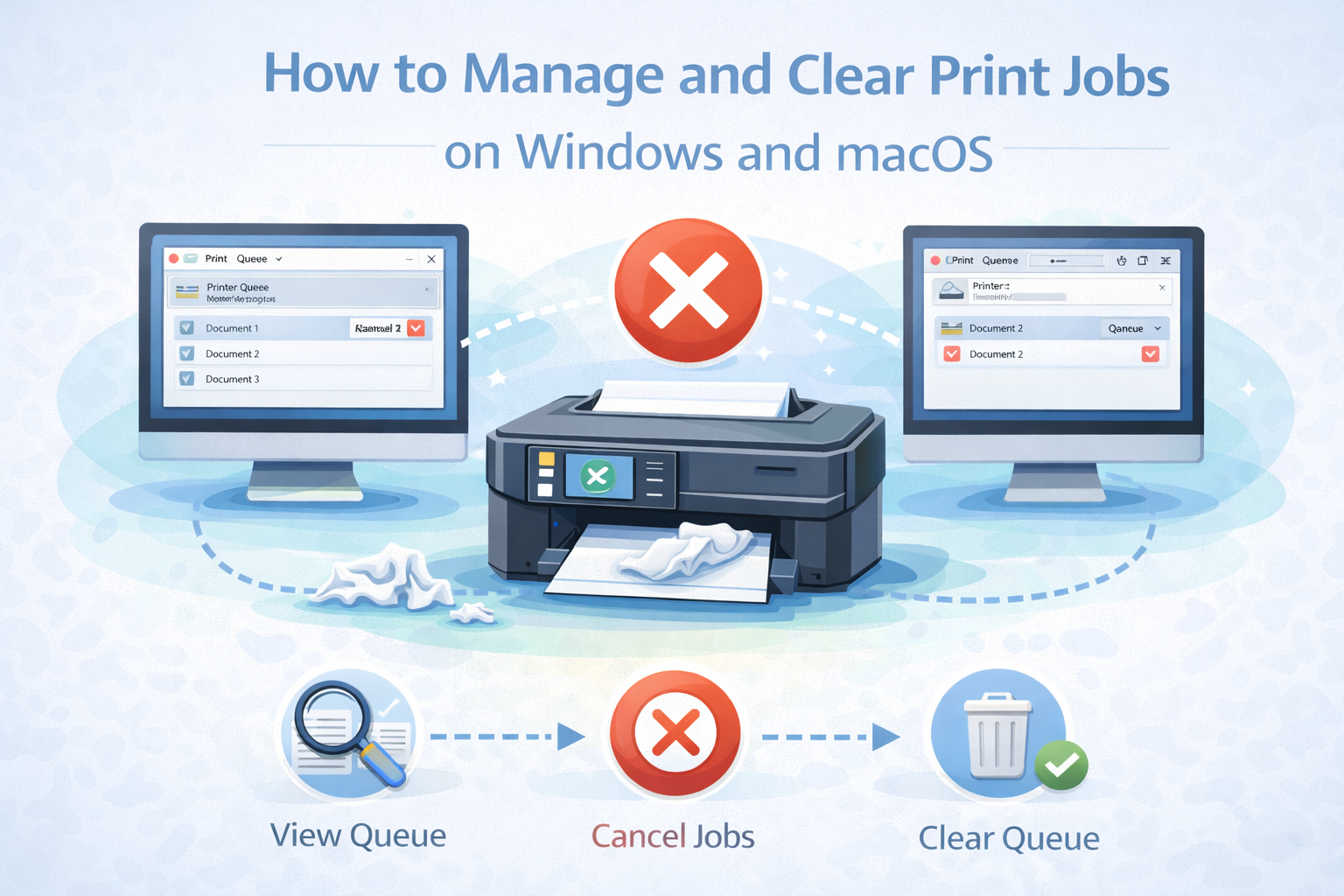
How to Manage and Clear Print Jobs on Windows and macOS

January 23, 2026/

(General Educational Guide) When several documents are sent to print, the system organizes them into a temporary list before processing begins. This allows the printer to handle tasks one after another in an orderly way. In certain situations, clearing items from this list helps maintain smooth operation. This guide provides...

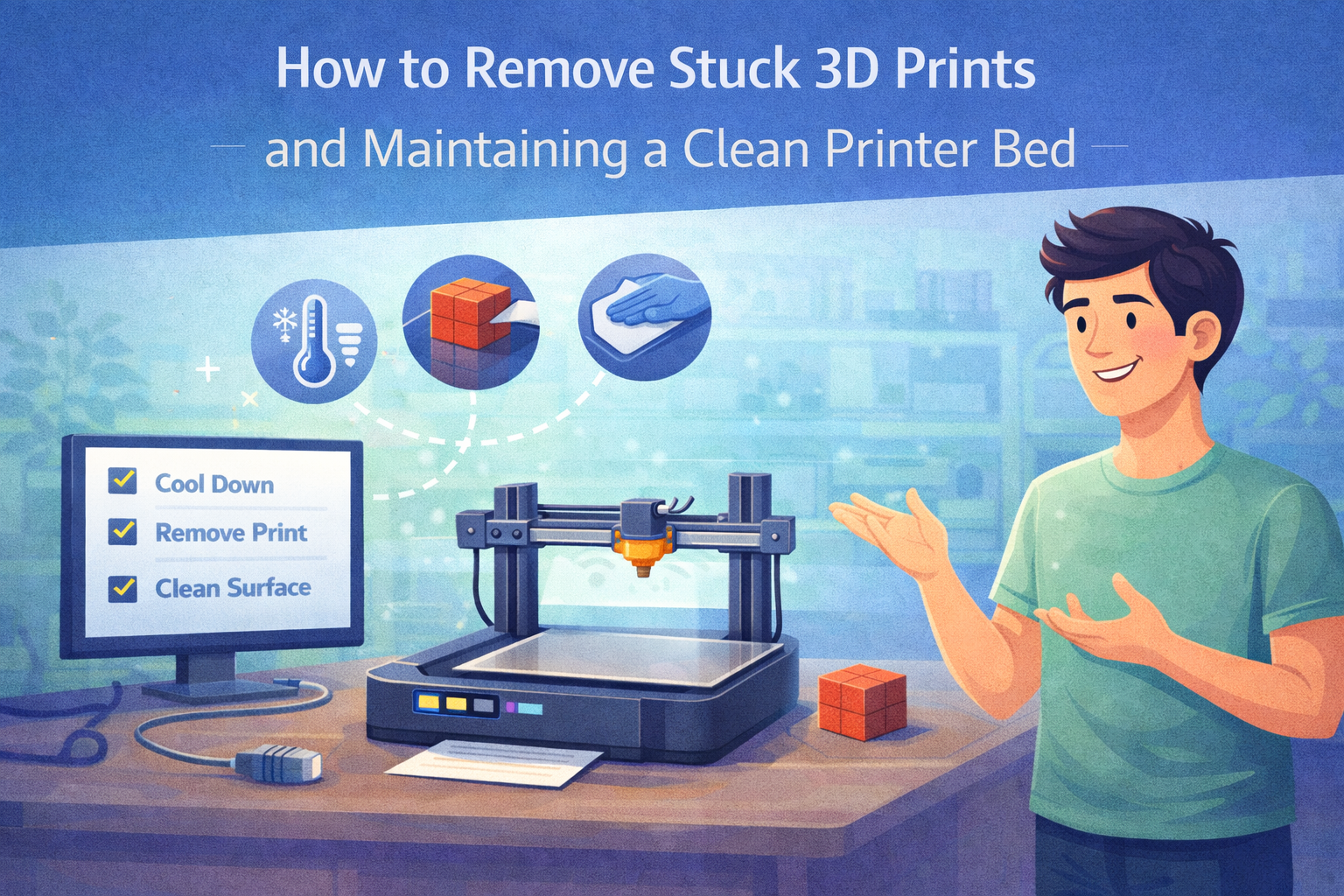
How to Remove Stuck 3D Prints and Maintaining a Clean Printer Bed

January 23, 2026/

(General Educational Guide) In 3D printing, it is common for completed models to hold firmly onto the build surface. While strong attachment is helpful during printing, it can make removal more challenging afterward. Using careful and widely accepted methods helps protect both the printed model and the printer bed. This...

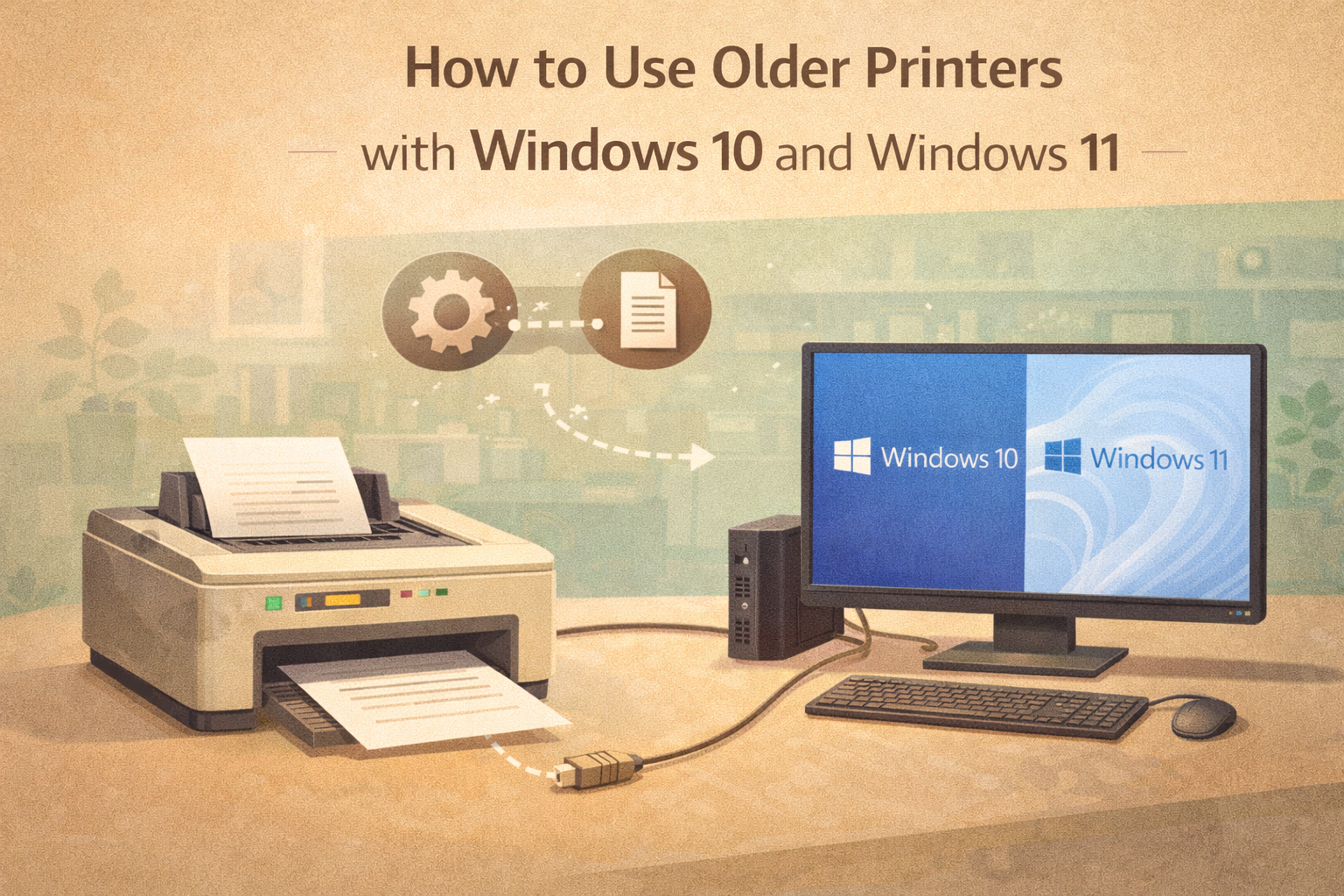
How to Use Older Printers with Windows 10 and Windows 11

January 23, 2026/

(General Educational Guide) Newer versions of Windows include updated security layers and system frameworks designed for modern devices. While these improvements enhance performance and protection, they may also influence how older printers are detected or supported. In some situations, a device that worked previously may not appear automatically or may...

Load More

End of Content.